
Best Steam capsule art tools for Codex users
Store art is the first asset most projects need and the one most likely to be redone. The Steam capsule art tools for Codex users are the image models in the Actionway catalog, at $0.15 per run, and the trick is not the model — it is passing your character back as a reference and leaving room for the title. Two runs, two aspect ratios, both below.
Agent を接続するStart from the character, not from a description
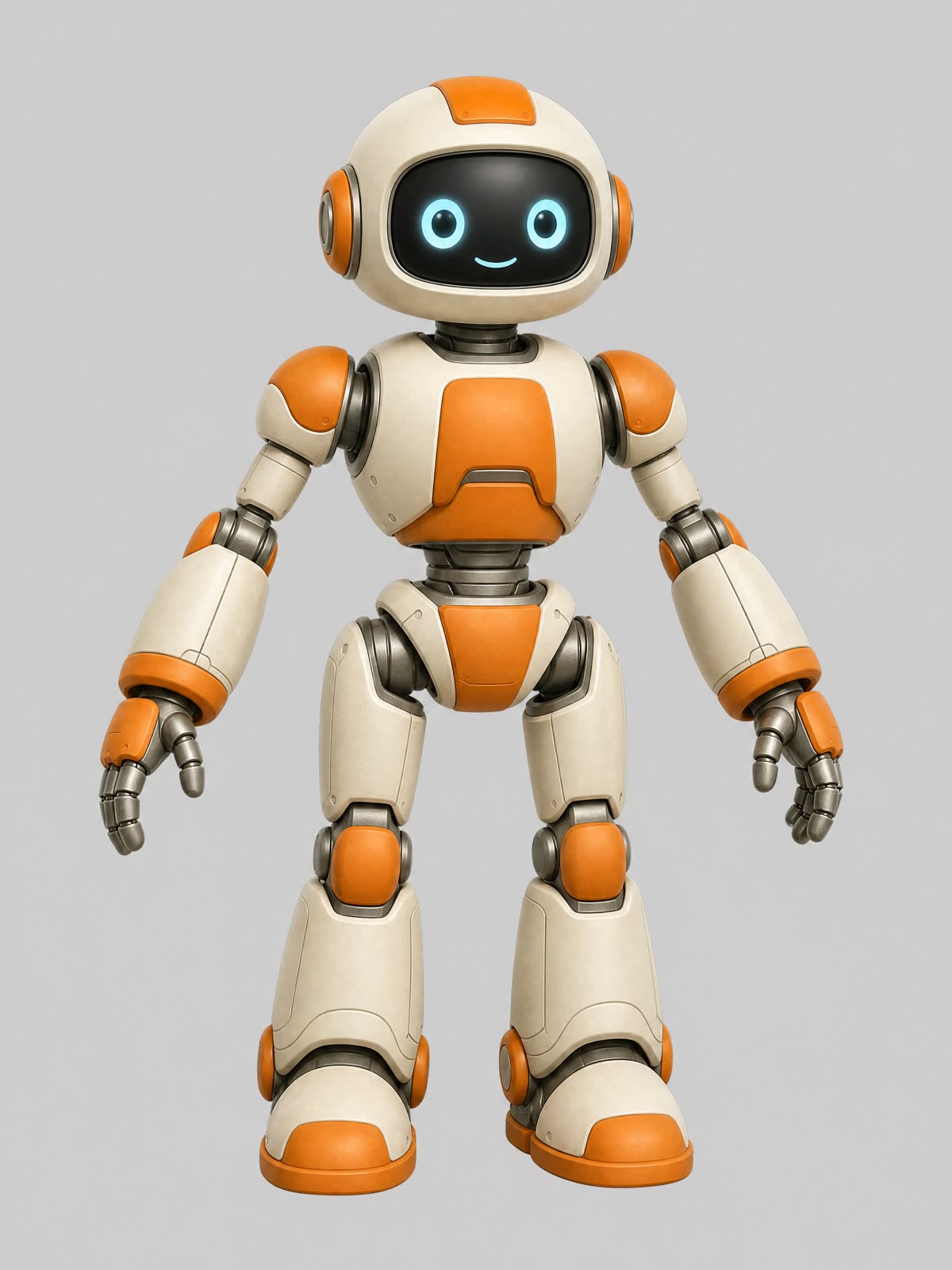
The hard part of store art is not making one nice picture. It is making the wide capsule, the vertical library image, and the social post all show the same character. Re-typing a description gets you three cousins. Passing the character sheet back as a reference image gets you the same character in three compositions, which is what a store page needs.
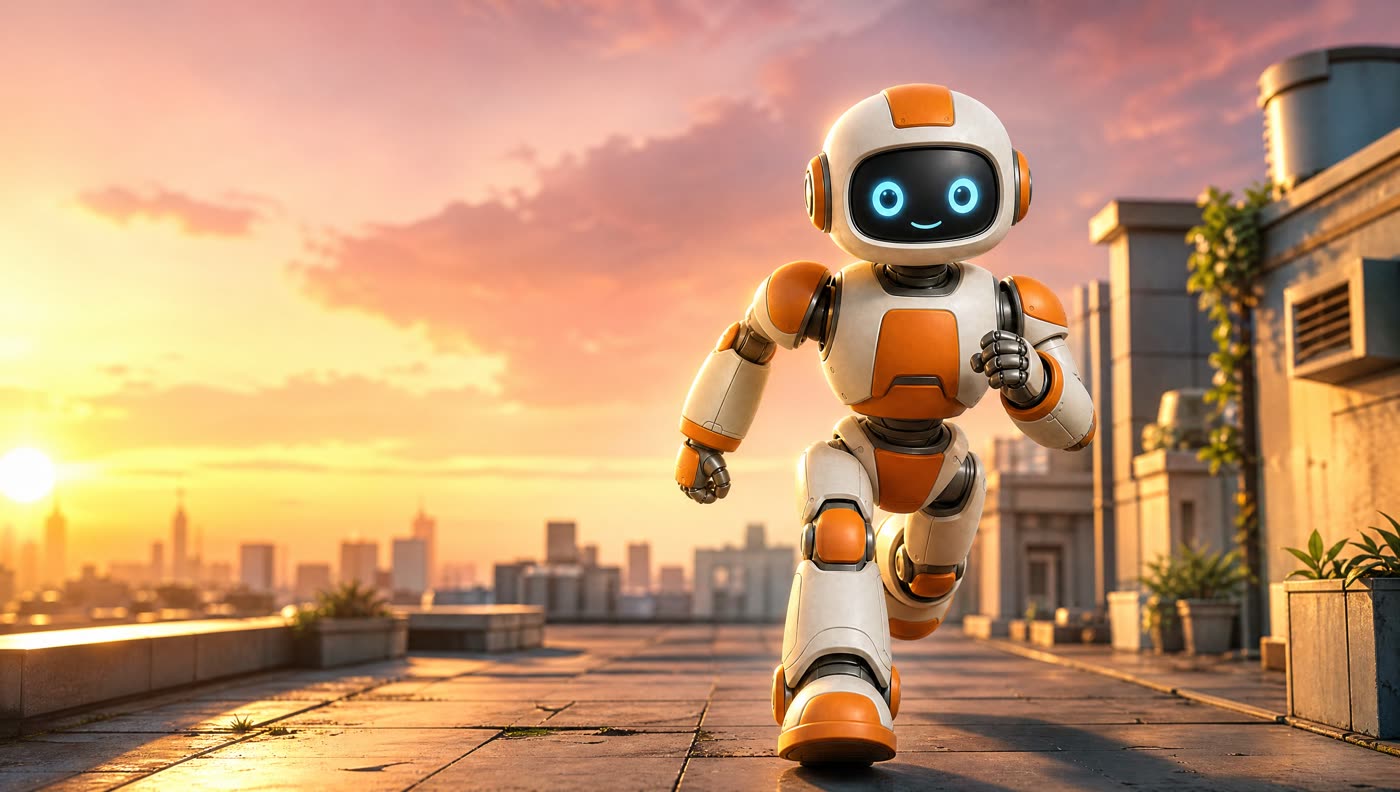
The wide capsule
こう頼む
Steam store capsule art: the robot explorer from the reference image runs toward the viewer across a sunlit rooftop, warm dusk sky, soft rim light, cinematic depth of field, clean composition with empty space on the left for a title, no text, no letters, no logos.
GPT Image 2 at 16:9 · $0.15 per run · 75 seconds. "Empty space on the left for a title" is the clause that makes the image usable later.
The vertical library image
こう頼む
Vertical library art: the same robot explorer standing heroically, viewed slightly from below, sunlit rooftop background at dusk, warm rim light, portrait composition with the character centred and space above the head, no text, no letters, no logos.
GPT Image 2 at 2:3 · $0.15 per run · 65 seconds. Same reference, different camera height and framing.

Three rules that decide whether the art survives
Generate at the ratio you publish at
A 2:3 render maps straight onto vertical library art with no cropping. A 16:9 render needs a small trim for a wider capsule, which is free local work but changes the composition — so leave margin rather than filling the frame edge to edge.
Ask for empty space where the title goes
Name the side. "Empty sky on the left for a title" gives you a place to put type; a perfectly balanced composition gives you nowhere to put it without covering the character.
Keep text out of the image
Image models spell badly and cannot be relied on for a logo. Add the title in a layout tool, where it stays editable when the tagline, the price, or the platform changes.
Keep the reference for every later image
The same sheet feeds the seasonal variant, the sale banner, and the social post. Re-describing the character each time is how a store page ends up with four slightly different mascots.
What it costs to cover a store page
The two images above came to $0.30 for 2 runs at $0.15 per run. A full set — wide capsule, vertical library art, a small icon crop, a couple of social variants — is five or six runs, which is $0.90 for 6 runs at $0.15 per run and an afternoon rather than a commission. The cheaper models in the catalog run from $0.10 per run, so an exploration pass before you commit to a direction costs even less; the character generator comparison shows what each of them does with the same brief.
The economics matter mostly because store art gets redone. A new trailer, a new season, a festival page, a publisher's template — each of those wants the same character in a different frame, and having the reference sheet plus a repeatable prompt turns that from a scheduling problem into a ten-minute job.
Check it at thumbnail size before you ship it
Store art is browsed small. Whatever you generate will be seen first as a thumbnail in a grid next to a hundred others, and most of the detail a model is proud of disappears at that size. Shrink the image to a couple of hundred pixels wide and look at it: if you cannot tell what the game is about, or the character reads as a smudge, the composition is wrong no matter how good the full-size render looks. Resizing to check is free local work the agent will do in the same session.
Two things usually fix a weak thumbnail. Make the subject larger in frame than feels right at full size, because the crop that matters is the small one. And push the contrast between the character and the background — our rooftop scene works because a light robot sits against a dark skyline, not because of the sunset. Both are prompt changes, so the fix costs one more run rather than a redesign.
Running it from Codex
こう頼む
Using outputs/character.jpg as the reference, make me store art at 16:9 with space on the left for a title, and a 2:3 version for the library image.
Two priced runs from one request. The agent lists the image models with prices before either starts, and both files land in your project.
Codex can crop, resize, and lay out the final files locally for nothing, but it cannot render the art; the Skill installed with the CLI adds the image generation capability to the same session. Every run is priced before it starts, and an empty wallet stops the job before anything is charged.
Set it up once
npm install --global @actionway/cli@latest
actionway init
mkdir -p "$HOME/.codex/skills"
cp -R "$HOME/.actionway/skill/actionway" "$HOME/.codex/skills/actionway"You need Node.js 20 or newer and an Actionway account. Claude Code users copy the same folder into ~/.claude/skills/actionway instead, and both routes reach the same catalog and the same wallet — the get started page lists the steps per client side by side.
よくある質問
Can Codex make Steam capsule art?Codex has its own image tool; the Actionway Skill adds five more models beside it. With the Skill installed it generates store art at $0.15 per run and saves the files into your project; the two images in this guide came to $0.30 for 2 runs at $0.15 per run.
How do I keep the same character across store images?Pass the character sheet back as a reference image on every run instead of describing the character again. Both images here came from one reference and share the same head shape, panels, and face.
Should the model add the game title to the art?No. Ask for empty space where the title will go and add the type yourself. Image models misspell text, and a title added in a layout tool stays editable when the tagline or platform changes.